How to Use the FieldsMaster EPDM Color Mixer Tool
- Share
- publisher
- zoey
- Issue Time
- Mar 11,2026
Summary
Learn how to use the FieldsMaster online court designer in 3 minutes. Mix custom EPDM color granules, view textures, and request physical samples easily.
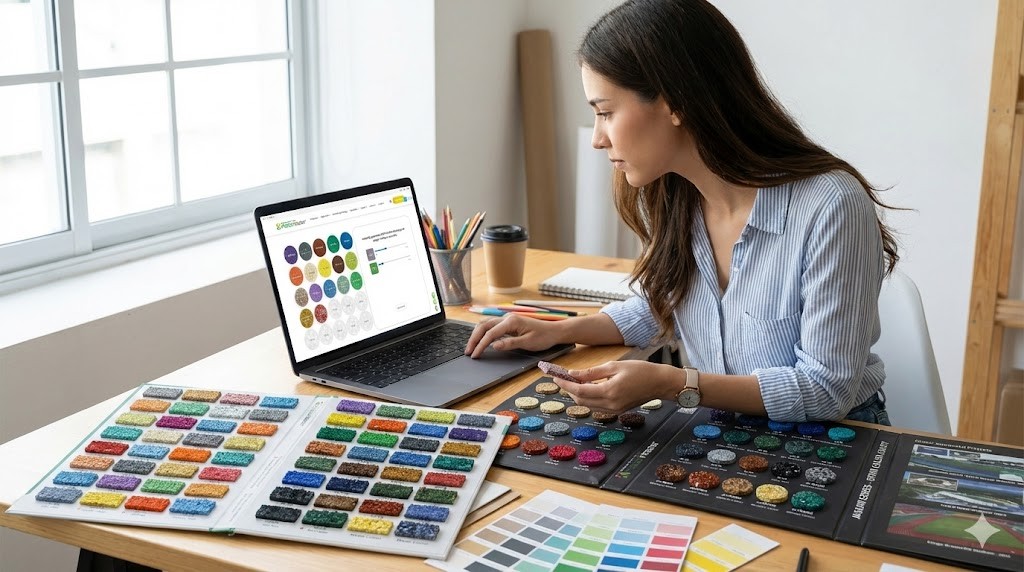
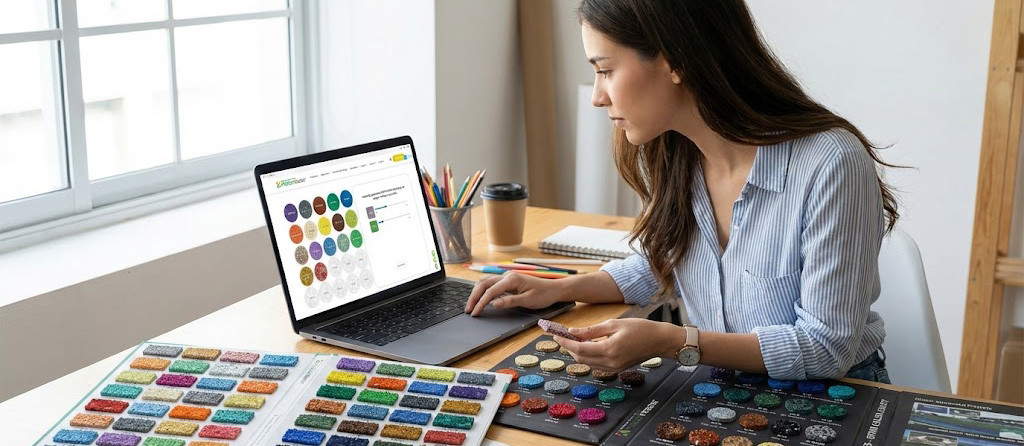
Designing a custom sports surface, running track, or playground used to involve endless back-and-forth communication, physical sample delays, and the constant anxiety of wondering if the final installation would actually match your original vision.
At FieldsMaster, we have eliminated the guesswork. As a premier manufacturer of premium sports surfaces, FieldsMaster developed our proprietary online court designer to put the power of our factory directly into the hands of architects, contractors, and facility owners.
Whether you are specifying our highly durable PRO series for a professional arena, the cost-effective HIG series for a large-scale project, or FieldsMaster popular STA series for community fitness paths, our epdm color mixer tool ensures absolute precision.
Here is your 3-minute, step-by-step guide to mastering the FieldsMaster Online Color Mixing System.
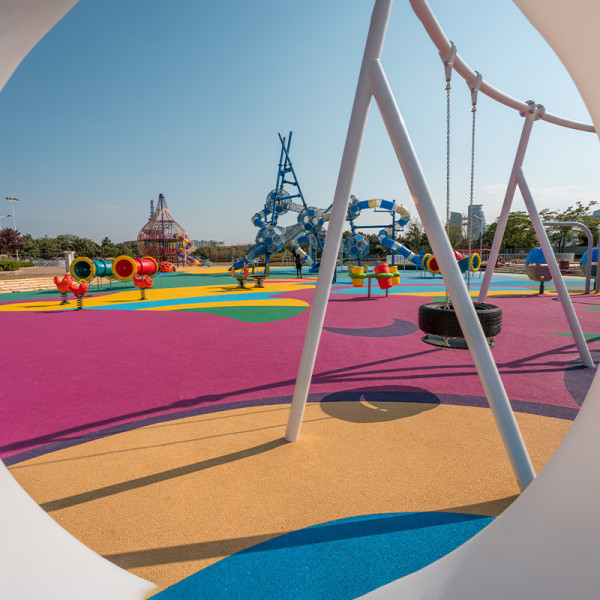
FM-C PRO EPDM granules provide safe, vibrant, and durable surfaces for playgrounds with certified shock absorption.

FM-C HIG: Customized EPDM Granules for Children's Play Surfaces | Promoting Safety and Entertainment
FM-C HIG: Custom EPDM Granules for Kids' Playgrounds | Safety and Entertainment Enhanced | OEM, ODM, Brand Representation
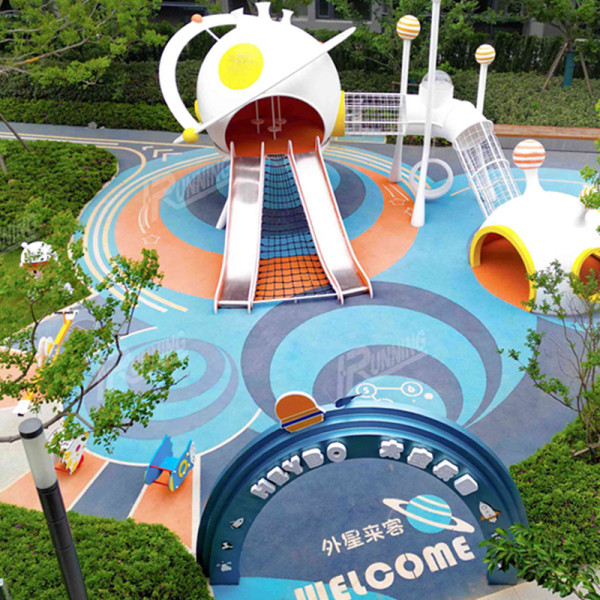
FM-C STA EPDM granules ensure safety and fun for playgrounds. Certified materials create a secure, high-quality play surface.
Step 1: Choose Your Foundation Palette (Select Base Colors)
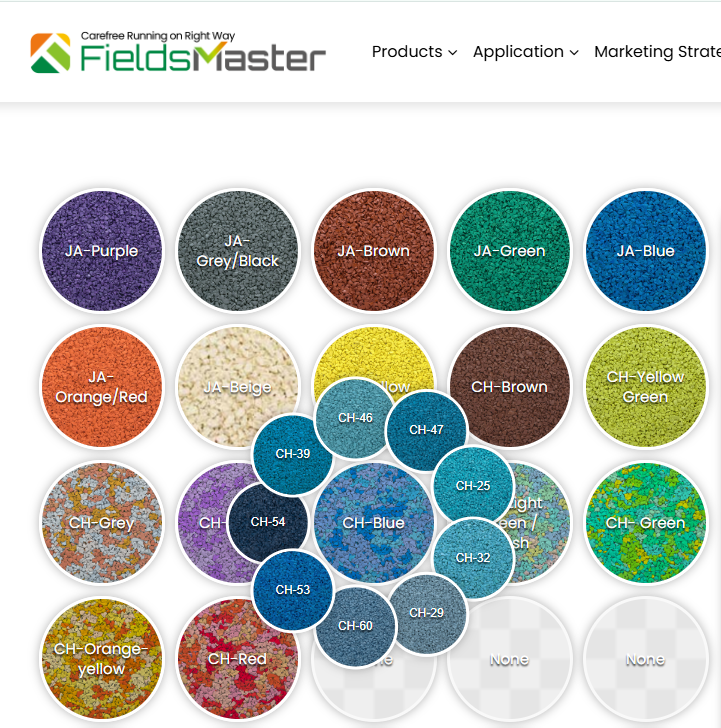
Begin by navigating to the color selection panel on the left side of your screen. Unlike generic design tools that use arbitrary hex codes, FieldsMaster system is grounded in manufacturing reality.
The CH (Chameleon) & JA (Jaguar) Collections: Every color bubble you see directly corresponds to our physical, actively produced.
Action: Click on the color bubbles to add them to your mix. Multi-dimensional surface designs that meet your specific aesthetic or branding requirements.
Step 2: Dial in the Perfect Blend (Adjust Ratios)
Once you have selected base colors, it is time to engineer the perfect proportion. This is where your design truly comes to life.
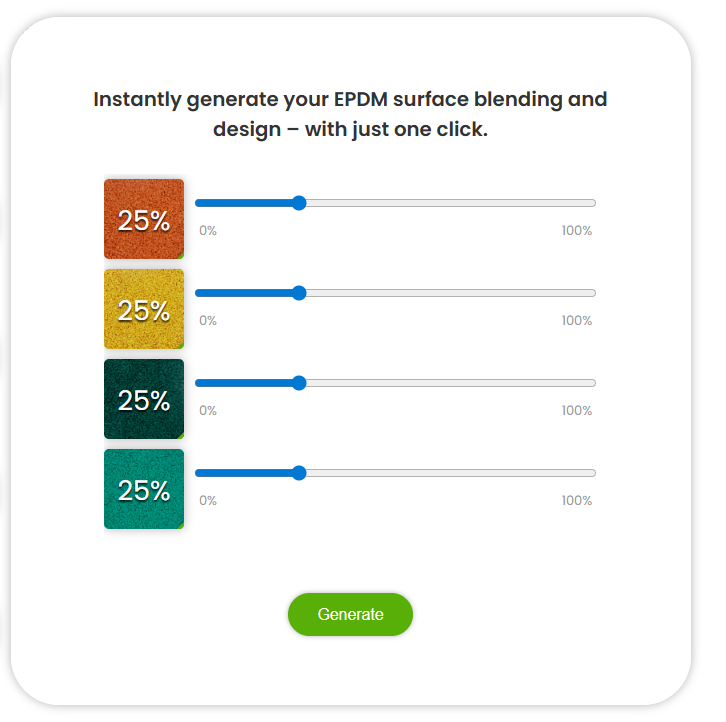
Precision Control: Use the intuitive interface to adjust the percentage of each selected color. Looking for a dominant cool blue with a subtle 15% speckle of vibrant yellow to hide dirt and define a play zone? Simply adjust the values.
The Manufacturing Guarantee: Because FieldsMaster utilizes fully automated production lines, the exact percentages you input here are completely protected from manual mixing errors during actual production. The ratio you set is the exact ratio we manufacture.
Step 3: Experience the Reality (View Photorealistic Texture)
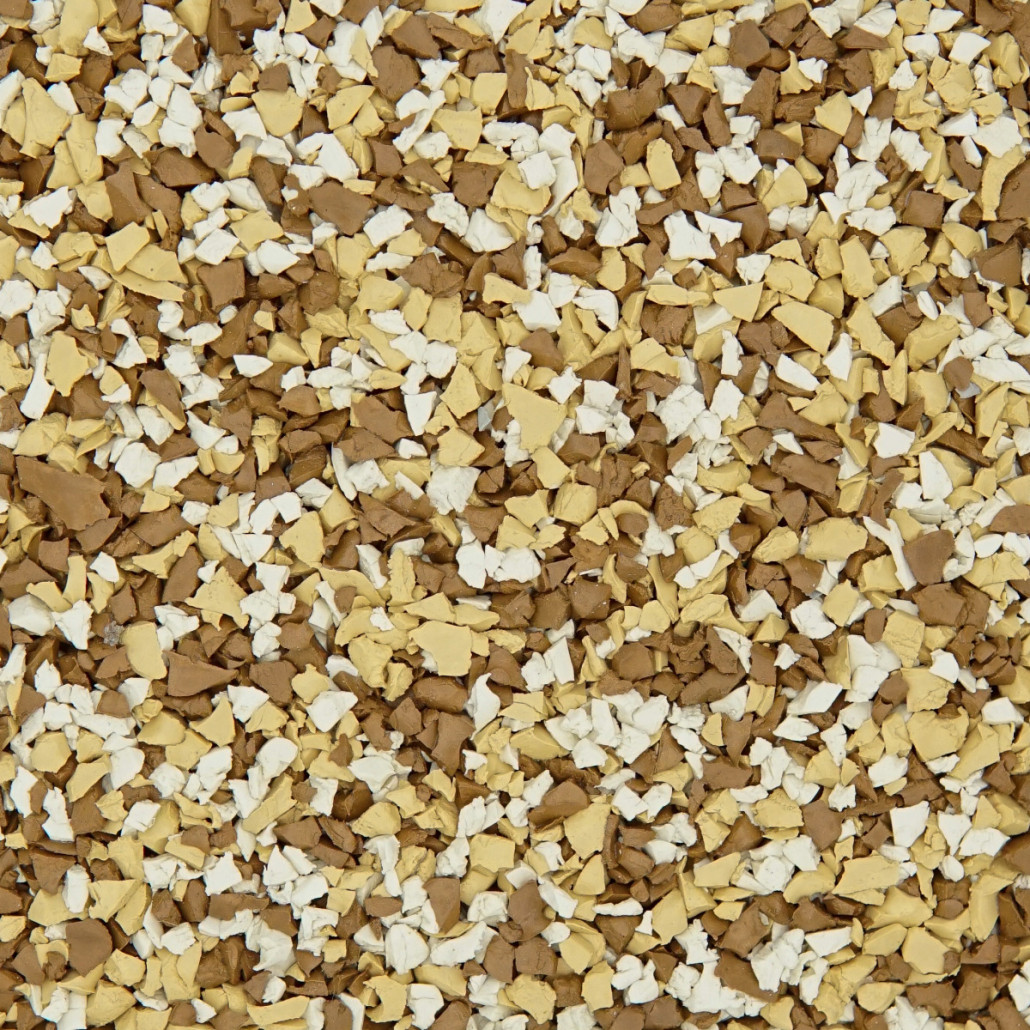
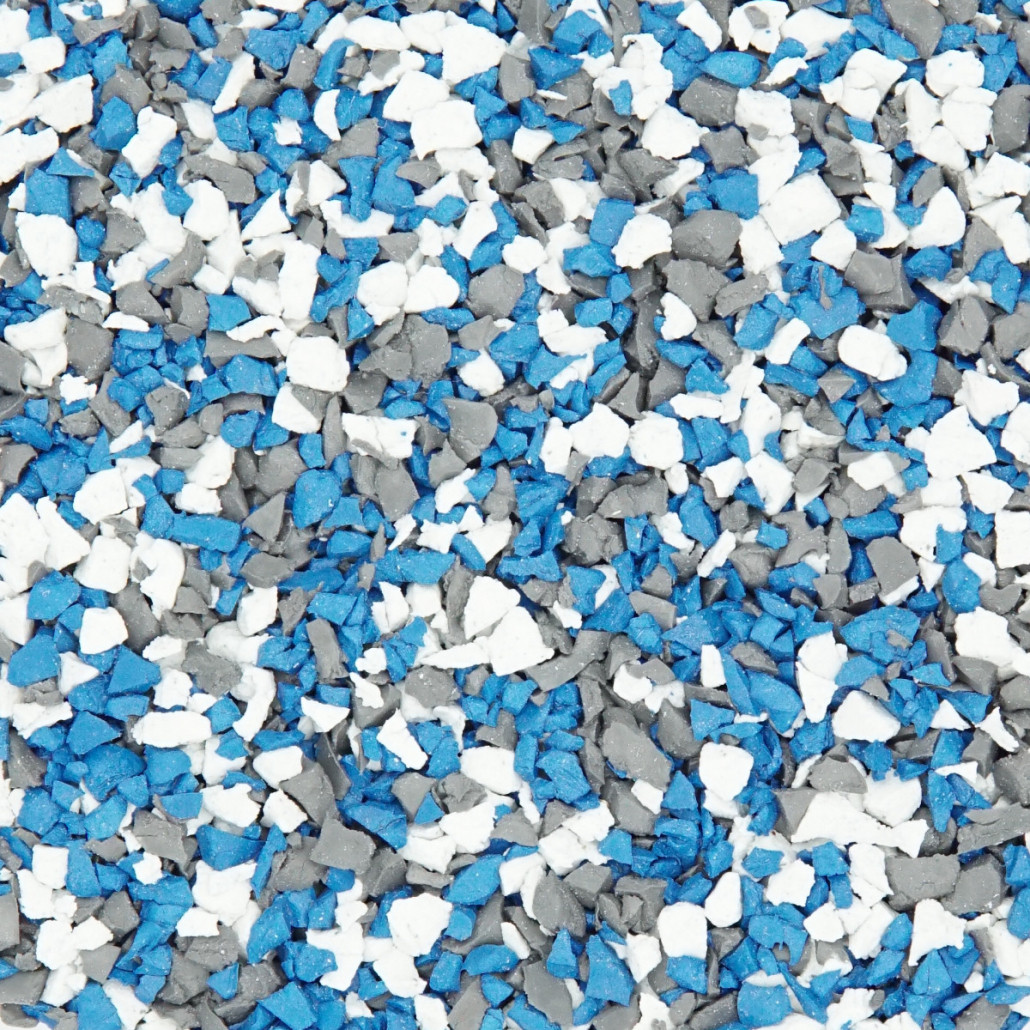
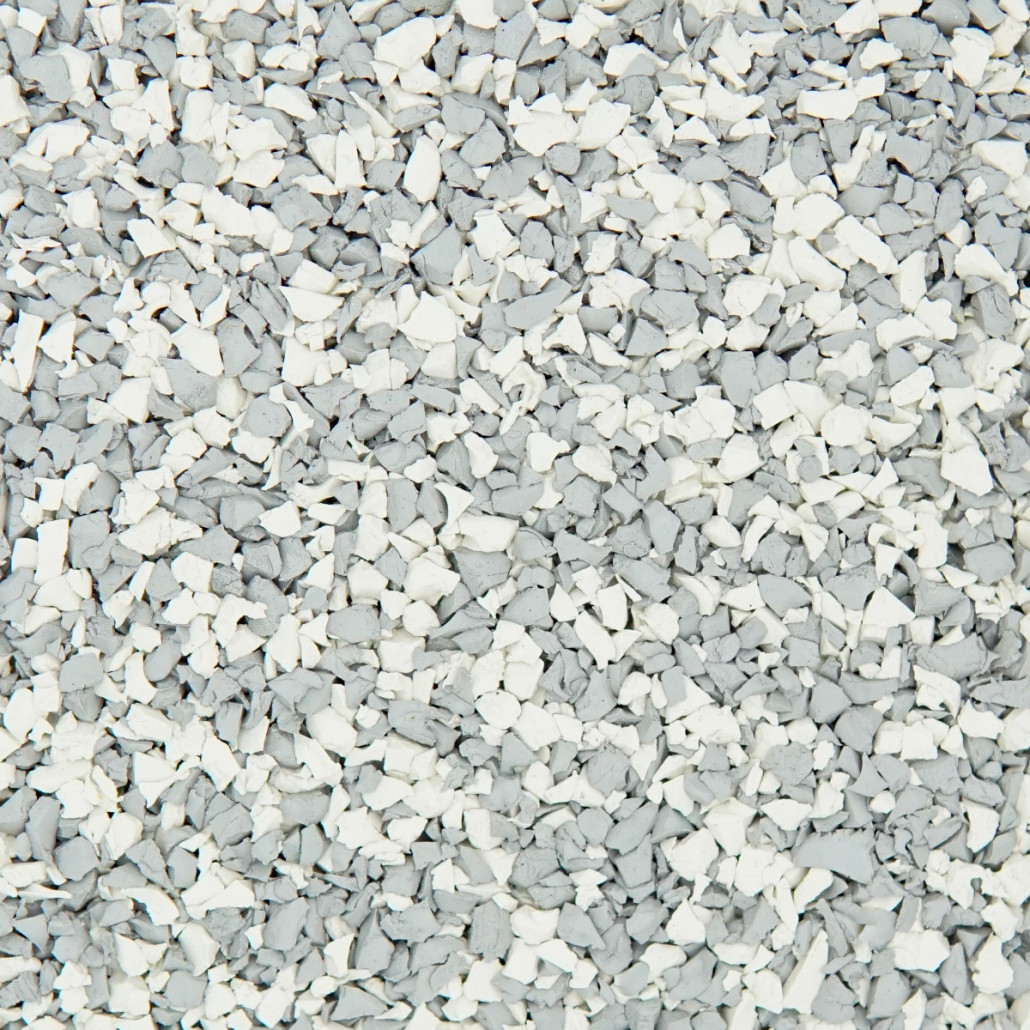
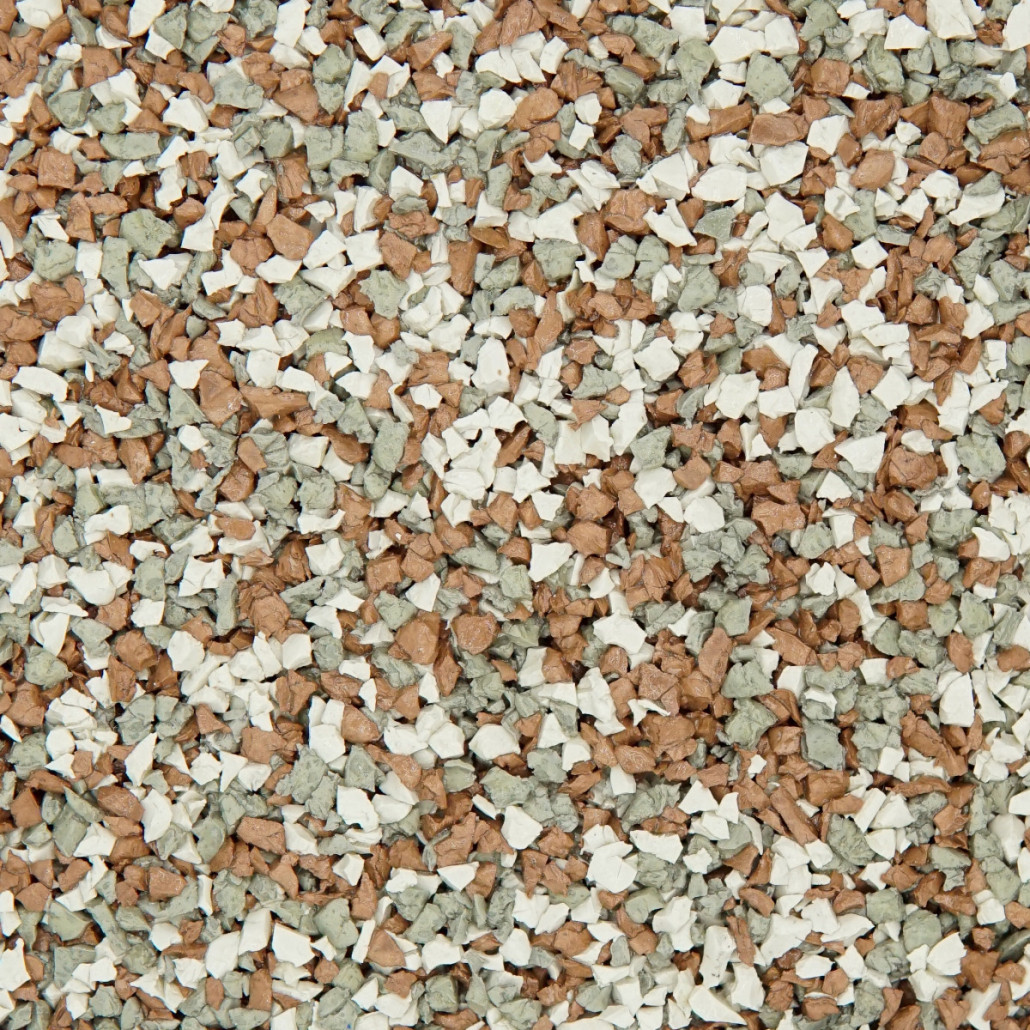
FieldsMaster most powerful feature of epdm color mixer tool
Beyond Flat Colors: Instantly generate EPDM surface blending and design – with just one click. However, it does not just show a flat, blended color block. The engine renders the actual physical texture of the interacting EPDM granules.
Visual Confidence: Can see exactly how the different hues of the FieldsMaster-CH and FieldsMaster-JA series will look when physically paved next to each other. This high-fidelity visualization is critical for setting accurate expectations with end-clients.
Step 4: Secure Your Specifications (Download Formula)
Once, have perfected your custom mix, you need to lock it in for project documentation.
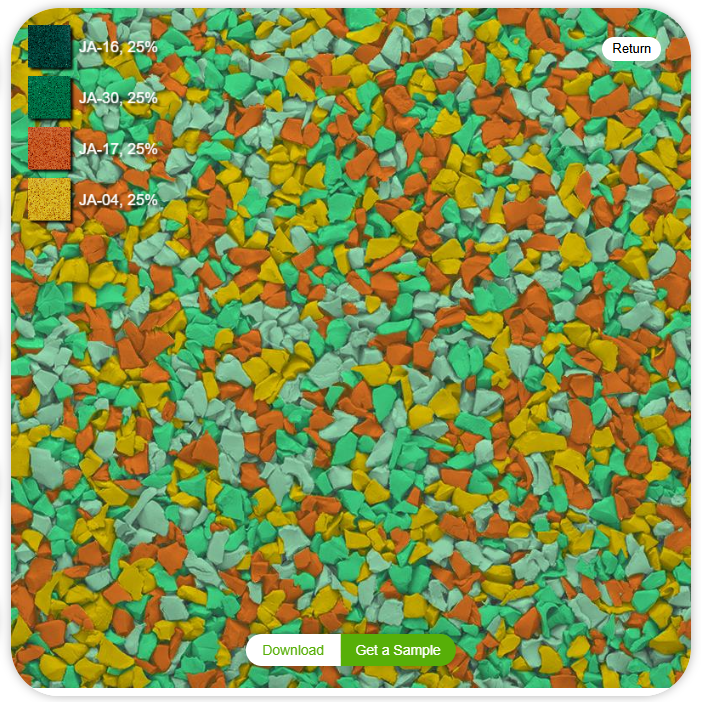
Instant Assets: Click the "Download" button. The system will instantly generate a high-quality visual file of your texture, complete with the exact color codes (e.g., JA-24, CH-52) and their corresponding percentages.
Ready for Bidding: This downloaded asset can be immediately dropped into architectural renderings, client presentation decks, or official project bidding specifications, proving your professional attention to detail.
Step 5: From Digital to Physical (Request Sample)
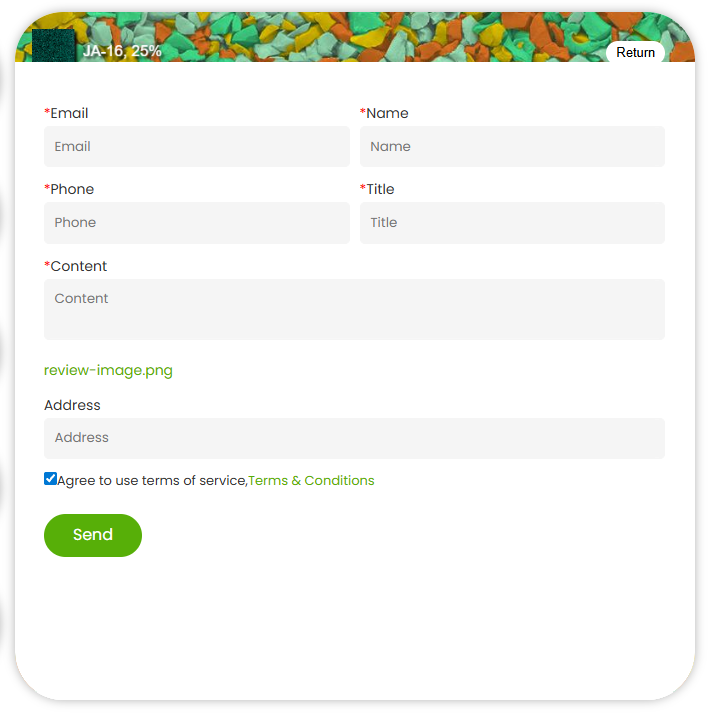
Digital design is only as good as physical execution. Because FieldsMaster epdm color mixer tool is directly tethered to FieldsMaster active inventory, moving to the physical stage is seamless.
Click "Get a Sample": Send finalized formula directly to our manufacturing team.
Zero Supply Chain Delays: Because you designed using FieldsMaster actively produced FieldsMaster-CH and FieldsMaster-JA palettes, there is no waiting for custom pigment sourcing. FieldsMaster automated facility will swiftly prepare a physical sample of your exact mix and ship it to your office for final tactile approval.
Start Designing Your Masterpiece Today
Do not let your next project be limited by standard color catalogs. Take control of your surface design, streamline your approval process, and build with the confidence that only a world-class manufacturer can provide.
👉 Click here to launch the FieldsMaster Online Color Mixing System and create your first custom blend in under 3 minutes!